
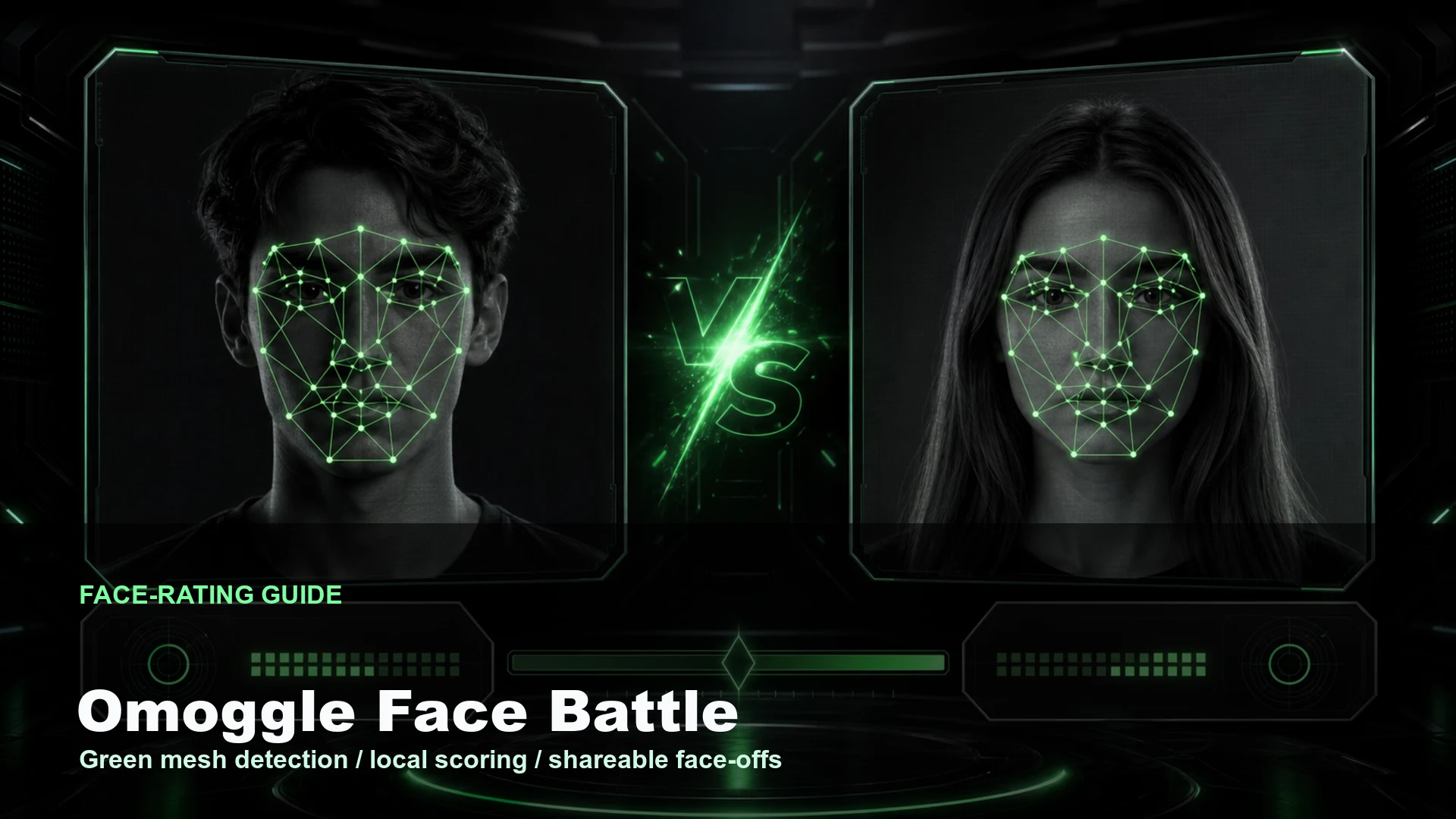
Omoggle Face Battle turns two local photo uploads into a browser-local face-rating face-off. It is designed for shareable mogging-style reports, quick 1v1 mog-off screenshots, and Omoggle-style result images without joining a live webcam queue.
What the Battle tool does
The homepage flow is intentionally narrow:
- Upload a left photo and a right photo.
- Detect one face in each photo in the browser.
- Draw the green face mesh over each detected face.
- Click Battle after both sides are ready.
- Show two numeric scores and a WIN, LOST, or DRAW result.
- Restart when you want a fresh pair of photos.
This is not identity facial recognition. The tool does not try to name a person, verify an account, or match a face against a database. It uses face detection and landmark geometry so the arena can draw a mesh and compute a presentation score.
Face detection and the green mesh
Omoggle Face Battle uses the existing MediaPipe face-landmark path from the Generator preview. After a photo is selected, the browser loads the image from a temporary object URL and runs local landmark detection immediately.
Each side moves through four visible states:
- Missing: no photo has been selected yet.
- Scanning: detection is running for the newly selected photo.
- Ready: a face was found and landmarks are available for the green mesh.
- Invalid: no usable face landmarks were returned.
The Battle button stays disabled unless both sides are Ready. That prevents a half-complete face-off where one side has no score input. If detection fails, try a clear front-facing photo with one visible face, open eyes, enough light, and less blur.
Local scoring mechanism
Scoring is deterministic for the detected landmark geometry. The same detected face geometry produces the same score instead of changing every render.
The score helper reads a defensive set of MediaPipe normalized landmark indexes:
- Face top and chin for face height.
- Left and right face sides for face width.
- Nose tip, mouth center, and chin for center alignment.
- Eye corners and eyelids for eye spacing, eye openness, and canthal tilt.
- Mouth corners plus mouth top and bottom for mouth proportion.
Those points are converted into rough 0-1 metric scores:
- Symmetry: nose, mouth, chin, and left/right side distances stay close to the center line.
- Eye spacing and area: eye centers, eye width, and eye opening sit in a believable range.
- Face proportion: face width-to-height ratio stays near the target range.
- Nose and mouth alignment: the nose tip, mouth center, and face center stay aligned.
- Jaw and mouth balance: mouth width and height stay proportionate to the face.
- Canthal tilt: eye-corner tilt stays within a stable range.
The metrics are weighted into a base score around the middle of the 0.0 to 10.0 range, then a tiny seeded adjustment is derived from rounded landmark coordinates. The adjustment is small enough not to dominate geometry, but it helps avoid too many ties when two faces are very close.
Result states and restart behavior
After Battle runs, the arena switches to the result phase and shows classic labels:
- WIN for the higher scoring side.
- LOST for the lower scoring side.
- DRAW when the difference is very small.
The winner side stays bright, the losing side dims, and the tug bar favors the winner. Draws keep the bar centered. The Restart control clears both local object URLs, resets detection state, hides the result overlay, and returns the arena to the empty upload flow.
Privacy and sharing notes
The Battle flow is browser-local by design. Photo uploads are read through temporary browser object URLs for preview, face detection, and score calculation. The homepage does not send photos to an AI scoring service, and it does not add backend scoring.
Export is separate from Battle. You can run a face-rating battle without exporting anything. If you choose to export, the result image is created from the visual arena state so it can be shared as a screenshot-style report.
How to use it well
Use two similar photos for the cleanest comparison. Front-facing selfies with comparable lighting, camera distance, and expression produce more stable face mesh placement and more reasonable score comparisons. If one photo is a side profile and the other is a clear front shot, the result will mostly reflect detection quality rather than a fair face-off.
Omoggle Face Battle is an independent browser tool. It is not affiliated with, endorsed by, sponsored by, or connected to Omoggle, and its face-rating scores are not official Omoggle records.